
- marcorodrig@outlook.com
- April 20, 2026
-
- 0
Nmap Basics: Network Scanning and Service Detection
A deep dive into the industry-standard network scanner — how it works, why it matters, and how to use it responsibly in the world of cybersecurity.
Overview
Nmap (Network Mapper) is one of the most widely used tools in cybersecurity for network discovery and security auditing. It allows security professionals to identify active hosts, open ports, and running services within a network.
In this lab, I performed a basic scan to understand how Nmap detects services and identifies potential entry points.
Objective
- Discover open ports on a target machine
- Identify running services and their versions
- Understand how reconnaissance works in practice
Tools Used
- Nmap
- Kali Linux
Command Used
What This Command Does
-sVenables service version detection- The target IP is scanned for open ports and running services
This command helps identify not only open ports but also the services behind them.
Scan Result
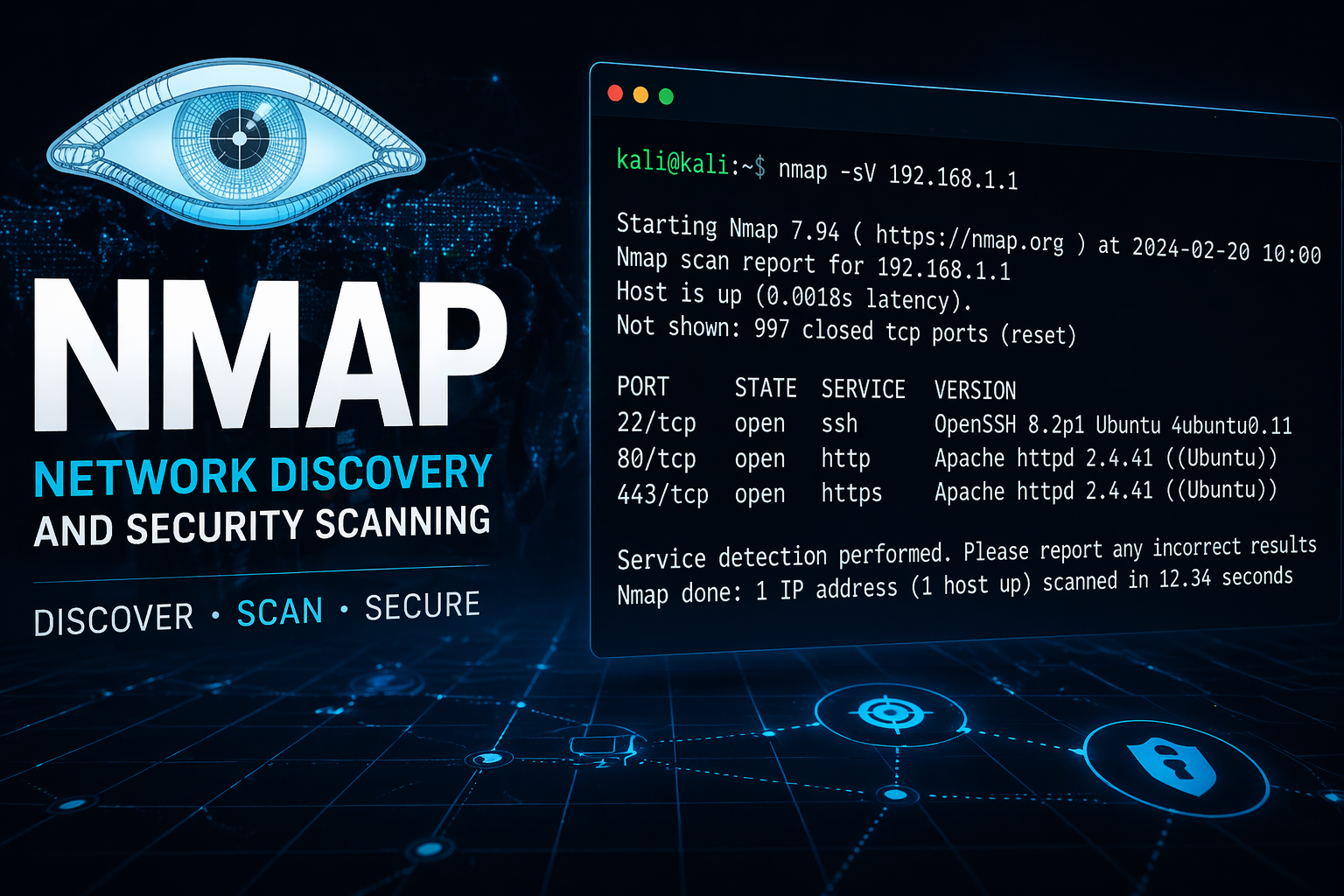
(Add your screenshot here)
Findings
The scan revealed the following open ports:
- Port 22 (SSH) – Used for secure remote access
- Port 80 (HTTP) – Web server
- Port 443 (HTTPS) – Secure web communication
These results indicate that the system is running web services and allows remote access.
Security Insight
Open ports can represent potential entry points for attackers.
For example:
- SSH (Port 22) may be targeted with brute-force attacks
- Web services (HTTP/HTTPS) may contain vulnerabilities
Understanding these exposures is essential during the reconnaissance phase.
What I Learned
This lab helped me understand:
- How to identify open ports and services
- The importance of reconnaissance in penetration testing
- How attackers gather initial information about a target
Next Steps
- Perform more advanced scans using
-Aor-p- - Combine Nmap with tools like Netdiscover
- Analyze results for potential vulnerabilities